


God is moving in our region and he wants us to get involved.
Sometimes it can be hard to see what God’s doing, let alone to find our part in what he’s up to.
That’s why we’re launching Explore. Through the month of September, we’re inviting you to explore our region, to go and see what God is doing.
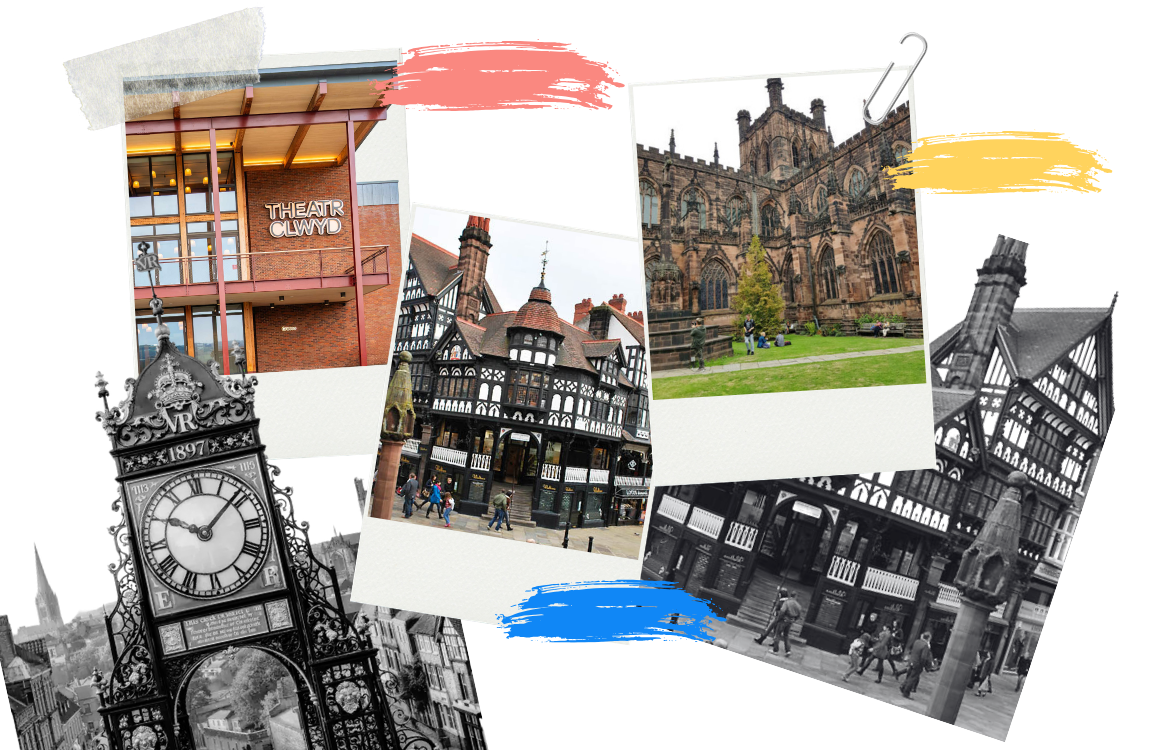
Getting involved is simple. All you need to do is head out of your front door and pray! You could walk and pray, drive (and park) and pray, cycle and pray, sit and pray. Just get into our region and pray.
This might sound a little daunting, so we’ve created a guide to help you. You can download our top tips by clicking the image or the bottom on the left.
We want this to be something we do together, even though we’ll do most of it when we’re apart. For that reason, we’re going to be using the Prayer Walk App. This allows us to map and celebrate where we’ve prayed as a church. Get on the app below.
If you’re not an app person, don’t worry! You can still get involved - just fill in this form so that we can celebrate where you’ve prayed too.



How to access the Prayer Walk App
How to record your prayer walks
In the app, click ‘Start Your Prayer Walk’ and the app will track you like Strava and map where you’ve prayed.
In the app, click ‘Prefer to plan? Pray on the Map’. You can then click on the roads you either plan to or have prayer walked.
Fill out this form to tell us which roads you’ve walked and prayed and we’ll input your walk for you!
Each week we’ll share updates on how far we’ve walked, how much of our region we’ve prayed for and more.
FAQs
-
This isn’t for the super-spiritual. There’s no need to walk around loudly praying. In fact, this might just look like a normal walk (or drive, or cycle), but one where you set your attention on God, pray and ask him to speak. Walking and talking with our heavenly father!
-
That’s fine! Head out in your car, park at the end of a street and pray. Go for a cycle, or a run, or whatever you need to do to get out and about!
-
You can. But there’s something special about getting into our region, not just praying for it in the abstract but stepping foot, noticing what’s going on, seeing details you’ve not seen before, asking God questions you might not ask at home. So, by all means pray at home, but do get out too and pray for our region.
-
Whenever is best for you. Morning, evening, lunchtime - really anytime at all. Just stay safe!
-
Good question! On the one hand, there’s no need for us to track our prayers. God hears them and that’s what matters most. But we want to gather momentum as a church in prayer, learning to pray for and see our region as God sees it. We’re tracking how we’re praying so that we can celebrate the ways we’re growing together.
-
Amazing! God speaks today. If you sense it’s for Vineyard 53, please let us know by filling in this form. If you think he’s speaking just to you, it’s always good to share it with someone you trust - like a small group leader or close friend - so that you can explore together what God’s invitation to you might be.
-
That’s no problem. Pray for it again. The app is a heat map so the more we pray for a street the more it will glow!
-
Absolutely! We’ve got packs for young people available on Sundays if you want to take them out to pray too. You can also access the packs here.
-
That’s absolutely fine. We want everyone to get involved. There’s a simple form you can fill in so that we can count your prayers too!
-
Do whatever you like. Just don’t get lost! You can plan walks in the app, or just set off on a walk and get the app to map your route as you go.